Have you ever reached the end of your working day and wondered where all those hours disappeared? Between answering messages, managing appointments, and updating records, your schedule can quickly become overwhelming.
The good news is that many everyday tasks don't require your constant attention. Automation can handle repetitive activities while you focus on more meaningful work.
You don't need advanced technical skills or an enormous budget to get started. Even small changes can make your daily routine considerably easier.
From managing WhatsApp conversations to tracking your productivity, here are ten everyday tasks you should consider automating.
Identifying Repetitive Tasks That Waste Your Time
Before introducing automation, take a closer look at your daily routine. Pay attention to activities you repeat frequently without making important decisions. These predictable tasks often provide the easiest opportunities for improvement.
1. Answering Frequently Asked Questions
How many times have you answered the same question this week? If you run a business, the answer might be surprisingly high. Customers regularly ask about opening hours, prices, delivery options, and available services. These questions are perfectly reasonable, but answering them repeatedly can become exhausting.
Your first step is identifying the questions appearing most frequently in your conversations. Spend a few minutes reviewing your recent WhatsApp messages, emails, and customer inquiries. You'll probably discover several familiar questions that keep making appearances.
Once you've identified those patterns, create clear and helpful answers. You can use automated messaging tools to deliver relevant information when customers ask common questions. This allows people to receive assistance without waiting for someone to become available.
For example, imagine someone asking whether your business opens on Saturdays. An automated response could immediately provide your weekend opening hours. Meanwhile, you can continue working without another interruption.
You could also create a simple interactive menu covering your most popular customer inquiries. Customers select their preferred topic and receive relevant information. This approach makes finding answers easier, especially when customers aren't sure what to ask.
Keep your automated answers updated whenever your business information changes. Nobody appreciates receiving outdated prices or incorrect opening hours. You should also provide an easy way to reach a real person when necessary.
Remember, automated responses shouldn't replace meaningful conversations. Their purpose is to handle straightforward questions efficiently. When customers need personalized assistance, you can still give them your full attention.
The result is fewer interruptions, quicker answers, and considerably less repetitive typing. Your fingers might even thank you.
2. Sending Welcome Messages to New Customers
First impressions matter, but creating them doesn't always require manual effort. Every new customer deserves a friendly introduction to your business. Unfortunately, sending individual welcome messages can become challenging when your customer base grows.
Automating your welcome messages ensures new customers receive useful information without unnecessary delays. You can trigger these messages after someone registers, completes a purchase, or starts a conversation.
Think about what a new customer genuinely needs to know. Perhaps they need instructions for accessing your services or information about their next steps. Your welcome message can provide these details before confusion develops.
For example, a fitness studio could automatically welcome new members through WhatsApp after registration and consent. The message might include class schedules, location details, and instructions for booking their first session.
You can also personalize these messages using information collected during registration. Including someone's name or selected service makes the experience feel more relevant. However, avoid unnecessary personalization that might make customers uncomfortable.
Another useful approach involves adjusting your welcome messages for different customer groups. Someone purchasing a product may need different information from someone booking a consultation. Creating separate message paths helps you provide appropriate guidance without overwhelming anyone.
Be careful not to turn your welcome message into an entire instruction manual. Nobody wants to receive twelve paragraphs immediately after signing up. Keep your introduction friendly, practical, and focused on essential information.
You can provide additional resources through helpful links when customers need more details. This gives them control over how much information they explore.
A thoughtful automated welcome creates consistency across your customer experience. Everyone receives the necessary information, even when your team is enjoying a well-deserved lunch break.
3. Sending Order and Service Status Updates
Waiting for an update can make even the most patient customer restless. People naturally want to know what's happening after purchasing something or requesting a service. Without clear communication, they may repeatedly contact you for information.
Fortunately, you can automate many of these updates using information from your existing business systems. Instead of waiting for customers to ask questions, provide relevant updates when something changes.
Imagine running an online store that processes dozens of orders daily. Manually informing every customer about shipping progress would require considerable effort. An automated workflow could send notifications whenever an order reaches an important stage.
Customers might receive messages when their orders are confirmed, dispatched, or delivered. You could use similar workflows for repair services, custom projects, or document processing.
WhatsApp automation can make these notifications particularly convenient for customers who prefer messaging over email. You can deliver important updates through their preferred communication channel.
However, your notifications should remain useful rather than excessive. Customers probably don't need a message every time someone moves their package across a warehouse. Focus on changes that genuinely affect their expectations.
Your automation should also recognize unexpected situations. When an order experiences a delay, customers need accurate information rather than misleading reassurance. You might automatically notify your team when unusual delays require investigation.
Make sure your messaging system receives information from a reliable source. Sending incorrect updates creates more confusion than sending no updates at all.
By providing timely information, you can reduce unnecessary customer inquiries. People spend less time wondering what's happening, and you spend less time explaining it.
Sometimes, the best customer question is the one your helpful update prevents.
Turning Incoming Messages Into Actionable Tasks
Your inbox contains more than conversations. It also contains requests, responsibilities, and important information. Connecting your messaging tools with other applications can transform scattered conversations into organized work.
4. Creating Tasks From Incoming Messages
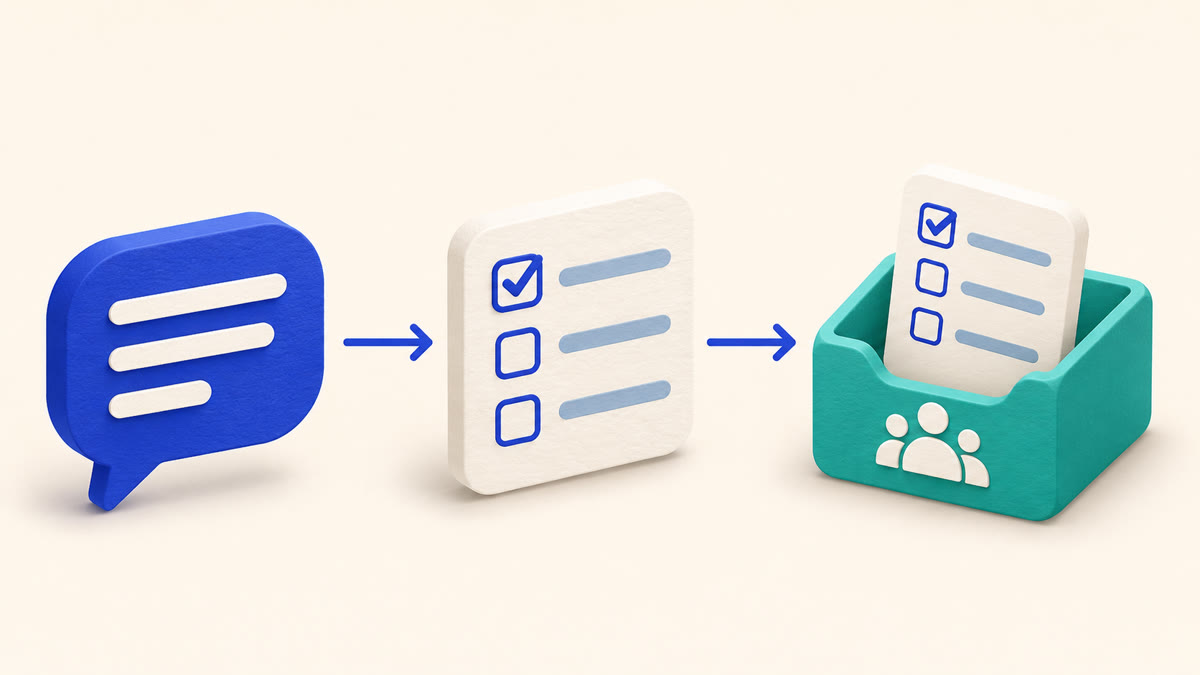
Important requests have an unfortunate habit of arriving when you're already busy. You read a message, promise yourself you'll handle it later, and immediately return to your current activity.
Unfortunately, later sometimes turns into tomorrow. By then, the original message might be buried beneath dozens of newer conversations.
Automating task creation helps prevent important responsibilities from disappearing into your inbox. Incoming messages can trigger new tasks inside a compatible project management application.
For example, a customer might send a WhatsApp message requesting a product replacement. Your automation could create a support task containing the relevant order information and customer request.
You no longer need to manually copy every detail into another application. Instead, the request becomes part of an organized system where progress can be tracked.
Start by deciding which types of messages deserve their own tasks. Complaint messages, service requests, and maintenance issues are good examples. Casual greetings and ordinary conversations probably don't need dedicated tasks.
Your workflow could recognize specific keywords or use structured questions to identify requests. More advanced systems might use artificial intelligence to understand the message's meaning.
However, unclear messages should receive human review before important actions occur. You don't want a sarcastic customer comment accidentally creating an urgent project.
You should also prevent multiple messages about the same issue from generating duplicate tasks. Connecting related messages to one existing task keeps your workspace manageable.
Finally, include enough information to make each task immediately understandable. Useful details might include customer references, requested actions, and relevant deadlines.
An organized task system gives your team greater visibility into outstanding responsibilities. You can stop treating unread messages as your unofficial project management strategy.
5. Assigning Customer Requests to the Right Person
Imagine receiving a technical support question when you're responsible for accounting. You probably cannot solve the problem, but someone else on your team can.
Manually forwarding these messages might seem straightforward. However, it creates unnecessary delays when several departments handle different customer needs.
Automated request routing helps incoming messages reach the appropriate person without constant supervision. You can establish rules based on customer selections, message categories, or other available information.
For example, billing questions could automatically reach your accounting team. Product complaints might go directly to customer support. New business inquiries could reach someone responsible for developing customer relationships.
You can make this process easier by offering customers a simple selection menu. They choose the topic that best describes their request. Your system then sends their conversation to the appropriate destination.
This approach can work particularly well with compatible WhatsApp Business integrations. Instead of manually reviewing every conversation, your team receives requests relevant to their responsibilities.
You could also distribute incoming requests based on employee availability. When someone finishes their shift, new conversations can reach another available team member.
However, automated routing requires clearly defined responsibilities. If nobody owns a particular request category, technology cannot magically solve that organizational problem.
Create a general review queue for messages that don't fit existing categories. This ensures unusual requests receive attention instead of becoming stranded between departments.
You should occasionally review incorrectly assigned conversations and adjust your routing rules. Customer language can change, and new services may introduce different types of inquiries.
When requests reach the right people quickly, customers experience fewer delays. Your employees also avoid playing an endless game of digital message forwarding.
6. Copying Information Between Applications
Copying and pasting might be among the least exciting activities in your working day. Yet transferring information between applications remains a common responsibility for many businesses.
You might collect customer details through messages before entering them into a spreadsheet. Perhaps you manually transfer booking information into your customer database.
These activities consume time and introduce opportunities for mistakes. One incorrect digit in a phone number can create an entirely unnecessary problem.
Automation allows compatible applications to exchange information without requiring manual transfers. When new information arrives in one system, another system can receive the relevant details automatically.
Imagine collecting service inquiries through WhatsApp. Your workflow could transfer customer names, contact details, and requested services into your customer management system.
You could also use structured forms or messaging questions to collect information consistently. This makes transferring data easier because your workflow knows where each answer belongs.
Before connecting your applications, decide which system should hold your main customer records. Having several competing versions of the same information creates confusion.
Your automation should check whether a customer already exists before creating another record. Otherwise, your database might contain several slightly different versions of the same person.
Data protection deserves attention too. Only transfer information that serves a legitimate purpose, and restrict access to appropriate team members.
You should also test what happens when information is missing or incorrectly formatted. Invalid records should receive review rather than silently entering your database.
Once everything works reliably, you can spend considerably less time transferring information. Your records remain more consistent, and employees can find customer details without searching multiple applications.
Best of all, your keyboard's copy and paste shortcuts finally get a little vacation.
Creating Automated Appointment Reminders
Managing appointments involves much more than filling empty calendar spaces. You also need to keep customers informed, handle schedule changes, and avoid unnecessary gaps. Automation can make these responsibilities easier for everyone involved.
7. Sending Appointment Reminders
Everyone forgets an appointment occasionally. Busy schedules, unexpected distractions, and disappearing calendar notifications can make important commitments surprisingly easy to miss.
For businesses, forgotten appointments create more than minor inconvenience. They can leave employees waiting, reduce available revenue, and prevent other customers from accessing services.
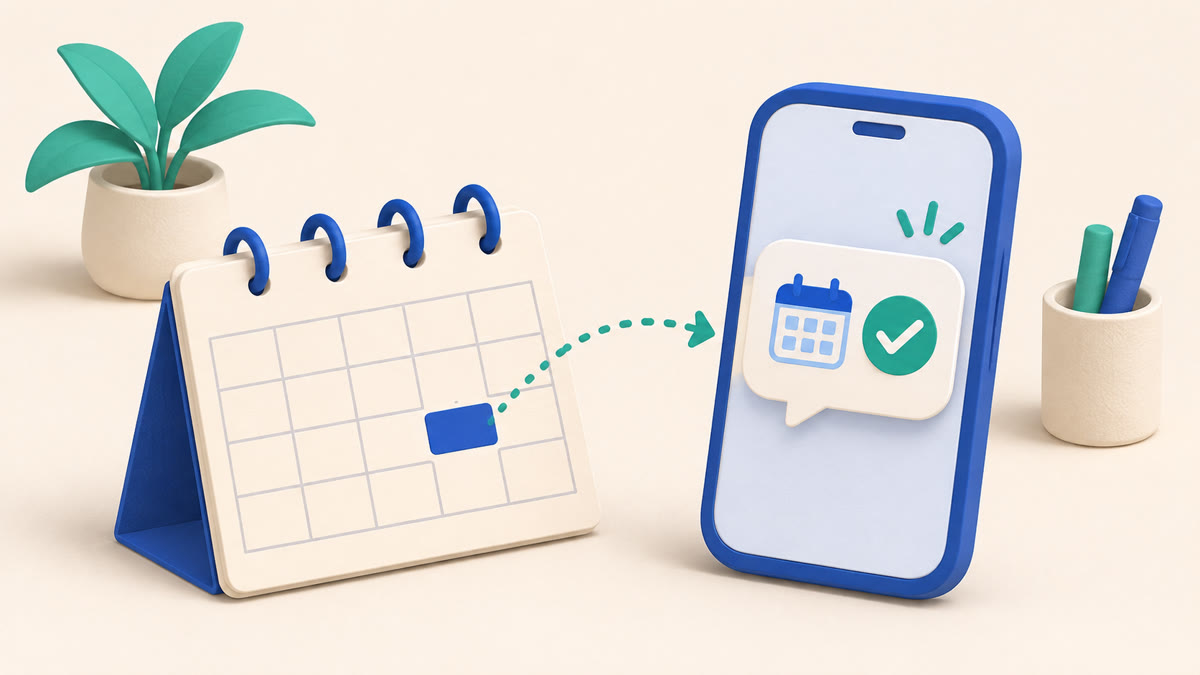
Automated appointment reminders provide a helpful solution without requiring you to contact every customer individually. Your booking system can trigger messages before scheduled appointments.
A beauty salon, for instance, could send reminders through WhatsApp one day before each booking. Customers receive their appointment time, location, and any relevant preparation instructions.
The ideal timing depends on your particular service. A short appointment might require only one reminder. More complicated appointments could benefit from additional notice, especially when customers need to prepare documents.
You should consider when customers are most likely to appreciate receiving these messages. Sending a reminder at three in the morning probably won't earn you many compliments.
Keep your reminders friendly and easy to understand. Include the important information without turning a simple notification into a lengthy announcement.
You can also include practical details that prevent unnecessary questions. Parking instructions, entrance information, or items customers should bring might be particularly useful.
Make sure your reminder system uses accurate booking information. If an appointment changes, the reminder should reflect that change. Canceled appointments shouldn't generate further notifications.
Always respect customer communication preferences and applicable messaging requirements.
After introducing automated reminders, observe whether missed appointments decrease. You can adjust your reminder schedule based on actual results rather than guesswork.
A helpful reminder benefits both sides. Your customers stay organized, while you avoid spending your afternoon wondering whether someone is still coming.
8. Confirming, Canceling, and Rescheduling Appointments
Life rarely follows a perfectly organized calendar. Meetings run late, children get sick, and unexpected responsibilities appear at inconvenient moments.
When customers need to change an appointment, the process should feel straightforward. Requiring several phone calls or lengthy conversations creates frustration for everyone.
You can automate parts of appointment management by connecting your messaging platform with your booking system. Customers could confirm, cancel, or request another appointment directly through a conversation.
Imagine receiving an appointment reminder offering three simple choices. You can confirm your booking, cancel it, or explore available alternatives.
With suitable integrations, selecting an option could automatically update the corresponding booking. Your team receives accurate information without manually checking every response.
Rescheduling requires particular attention because availability can change quickly. Your workflow should check the latest calendar information before confirming another appointment.
You should never assume an available time remains available indefinitely. Proper booking checks help prevent two customers from receiving the same appointment.
Canceled appointments can also create useful opportunities. Your system could notify eligible customers who previously requested an earlier booking.
However, make sure these notifications respect customer preferences and avoid unnecessary messages. An available appointment shouldn't become an excuse to contact your entire customer database.
You can establish limits for automated scheduling changes. Complicated requests, special accommodations, or exceptional cancellations might still require personal assistance.
Before introducing your workflow, test situations involving simultaneous bookings, last-minute changes, and failed updates. Reliable scheduling matters more than impressive features.
When appointment management becomes easier, customers are more likely to communicate changes promptly. You gain better visibility into your schedule and spend less time coordinating everyone's availability.
Your calendar becomes a useful planning tool rather than an unpredictable collection of surprises.
Measuring How Much Time Automation Saves
Introducing automation is only part of the process. You also need to understand whether your new workflows deliver meaningful improvements. Fortunately, collecting and reviewing performance information can become automated too.
9. Tracking Time Spent on Repetitive Work
How much time do you actually spend managing routine activities? Your immediate guess might differ considerably from reality.
People often underestimate small tasks because they don't feel significant individually. Answering a message takes minutes, but repeating that activity throughout your day creates a different picture.
Automated time tracking can help you understand where your working hours go. Depending on your tools, you can record activity durations, completed tasks, and workflow events.
Start by establishing a baseline before introducing new automation. Measure how long your existing activities require during a typical working period.
Here's what the weekly time savings might look like for 50 appointment reminders.
| Step | Time per week |
|---|---|
| Prepare and send 50 reminders manually (2 minutes each) | 100 minutes |
| Review automated reminders and handle exceptions | 20 minutes |
| Time saved before additional maintenance | 80 minutes |
You can collect workflow activity records automatically instead of manually counting every completed action. However, automated event records don't necessarily reveal how much human effort remains.
Occasional manual measurements help you understand activities that software cannot accurately track. Combining these measurements with automatic records creates a more realistic picture.
Remember to include time spent troubleshooting, updating, and maintaining your workflows. An automation that frequently breaks might consume more time than it saves.
You should also compare similar workloads when evaluating results. A quiet week shouldn't automatically make your new system appear more successful.
Focus on measuring genuine improvements rather than collecting impressive numbers. Your goal is understanding whether automation gives you more usable time.
Once you know which activities produce the greatest savings, choosing your next automation becomes considerably easier.
10. Creating Weekly Performance Reports
Nobody enjoys spending Friday afternoon gathering numbers from several different applications. You open spreadsheets, review customer conversations, collect booking information, and eventually create another report.
By the time everything is finished, some of that information might already be outdated.
Automated reporting allows you to collect relevant information and organize it into useful summaries. Instead of manually preparing the same report each week, your connected systems can handle much of the work.
Start by identifying measurements that reflect your actual business goals. These might include completed tasks, average response times, appointment attendance, and unresolved customer requests.
If you use WhatsApp automation, you could track common inquiry categories and conversations requiring personal assistance. These insights help you understand customer needs and identify weaknesses in your workflows.
For example, suppose your weekly report reveals frequent questions about delivery schedules. You might improve your order notifications or provide clearer delivery information.
You could also compare performance before and after introducing specific automations. This helps you discover whether faster processes actually produce better outcomes.
Don't overwhelm yourself with unnecessary charts and complicated measurements. A small collection of relevant figures often provides more value than an enormous dashboard.
You can schedule reports for convenient times using compatible reporting tools. Email, shared dashboards, or private messaging notifications can deliver summaries to appropriate team members.
Always consider software expenses and ongoing maintenance when reviewing your results. Saving time doesn't automatically guarantee that an automation makes financial sense.
Regular reporting helps you recognize which workflows deserve improvement, replacement, or expansion. Your decisions become grounded in actual performance rather than assumptions.
And instead of spending Friday afternoon assembling reports, you can spend it using the information they provide.
Make Automation Work for You
You don't need to introduce all ten automations immediately. Start with the task that creates the most frustration or consumes the most time.
Build a simple workflow, test it carefully, and measure the results. Once you're comfortable with the process, move on to another opportunity.
Whether you're automating WhatsApp conversations, managing appointments, or organizing customer information, simplicity is your friend.
The purpose of automation isn't to squeeze more responsibilities into your working day. It's to remove unnecessary work and give you greater control over your time.
And perhaps you'll finally get to enjoy your coffee while it's still warm.